PDF Squeeze
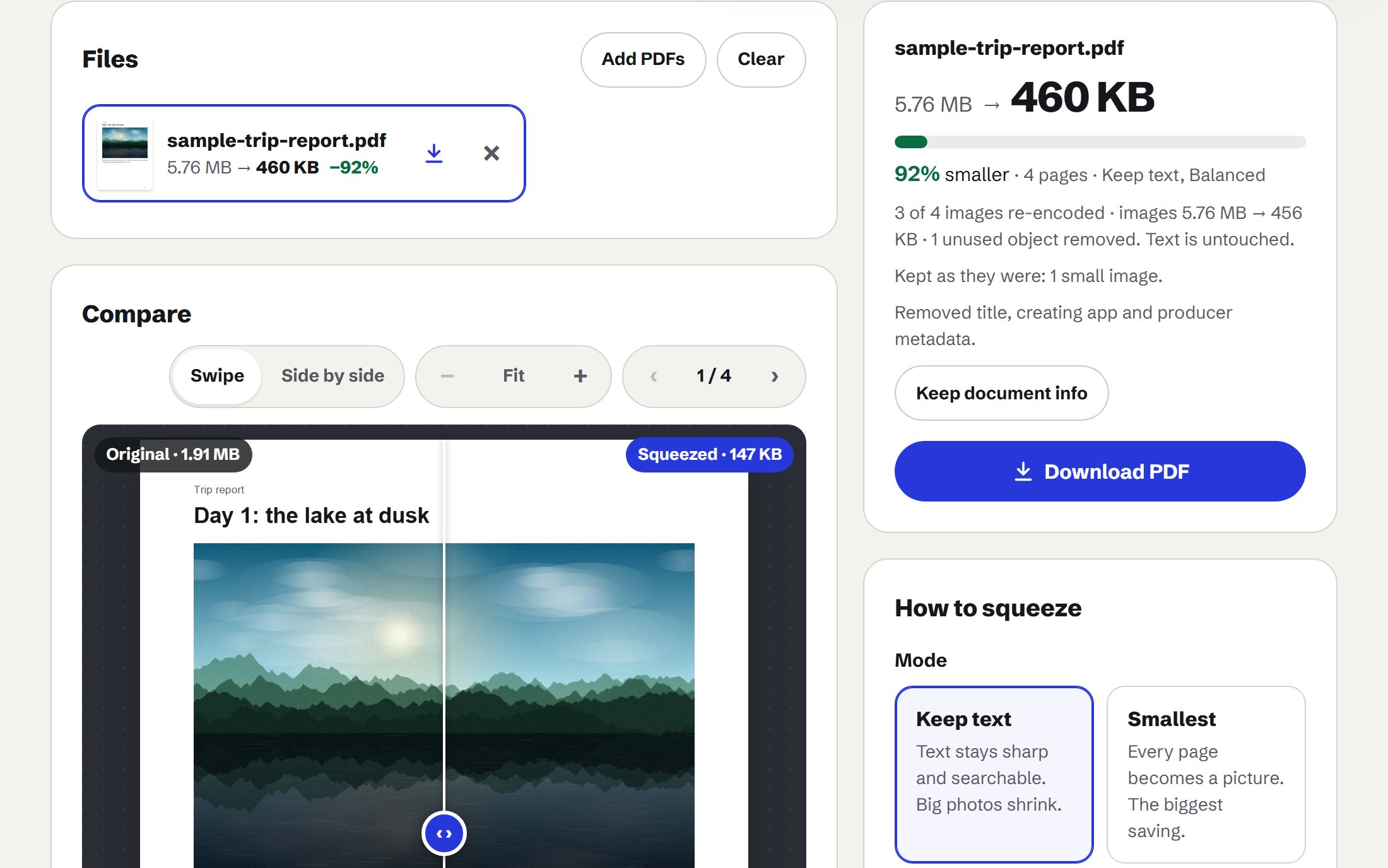
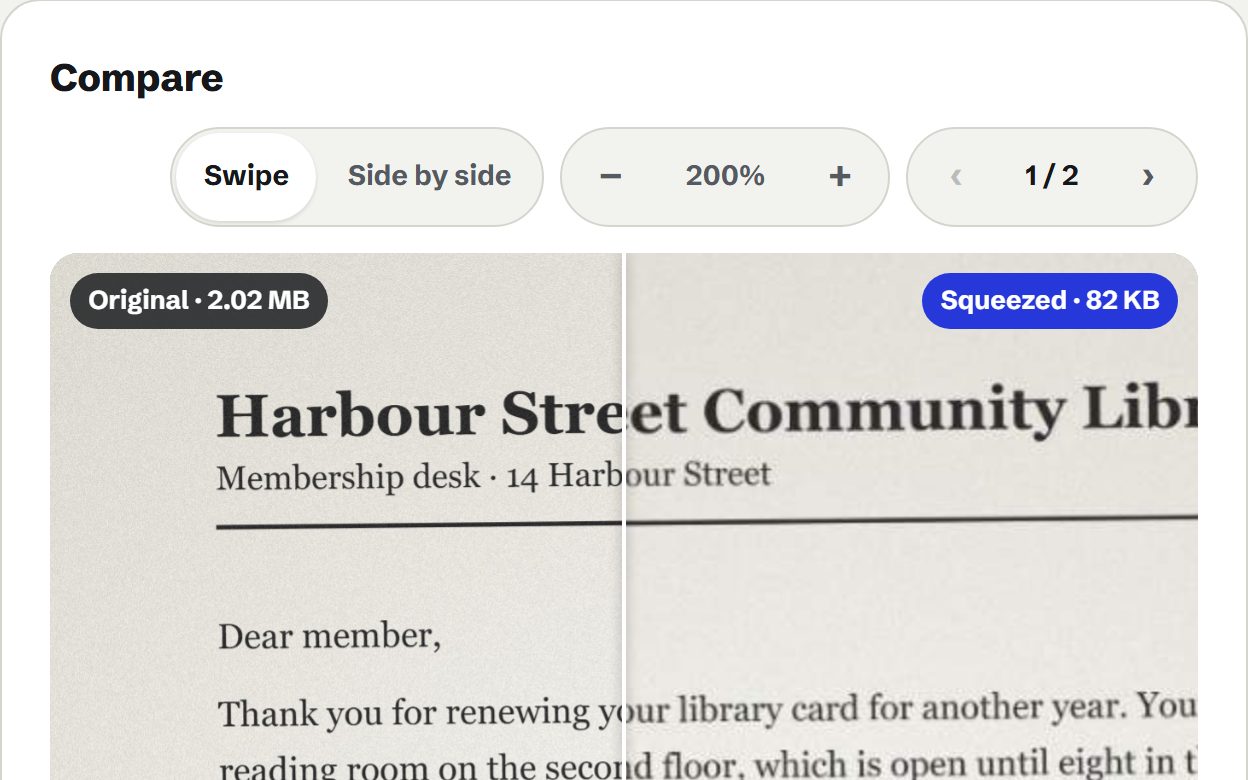
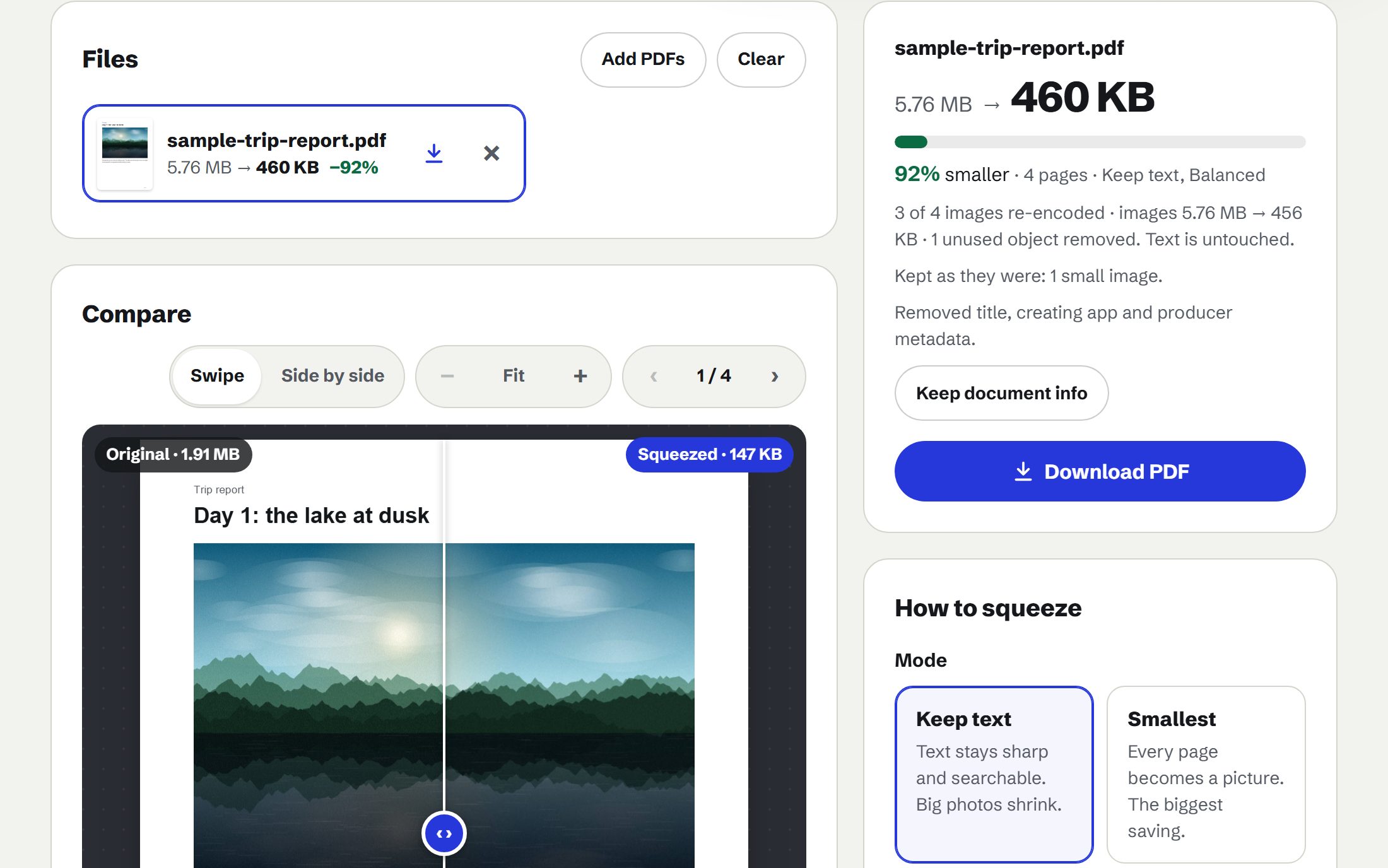
Make a PDF smaller for email or an upload limit. Keep the text sharp, or squeeze it hardest by turning pages into images. Swipe across a page to compare, and see the new size before you download.
Runs in this tab. Nothing is uploaded. Needs a connection while it squeezes: its PDF engine loads from this site each time.
Drop PDFs here, or choose filesSeveral at once is fine. They are squeezed one after another.
PDF files up to 200 MB each. Password-protected PDFs open with their password and keep their protection. Very large files can run out of memory on phones.
Or try a sample
What it does
- Shrinks photos, keeps text. Text stays sharp and searchable; only big pictures are re-encoded.
- Every strength, measured. See the real size each strength gives before you choose one.
- Compare up close. Swipe between the original and the result, and zoom to 400%.
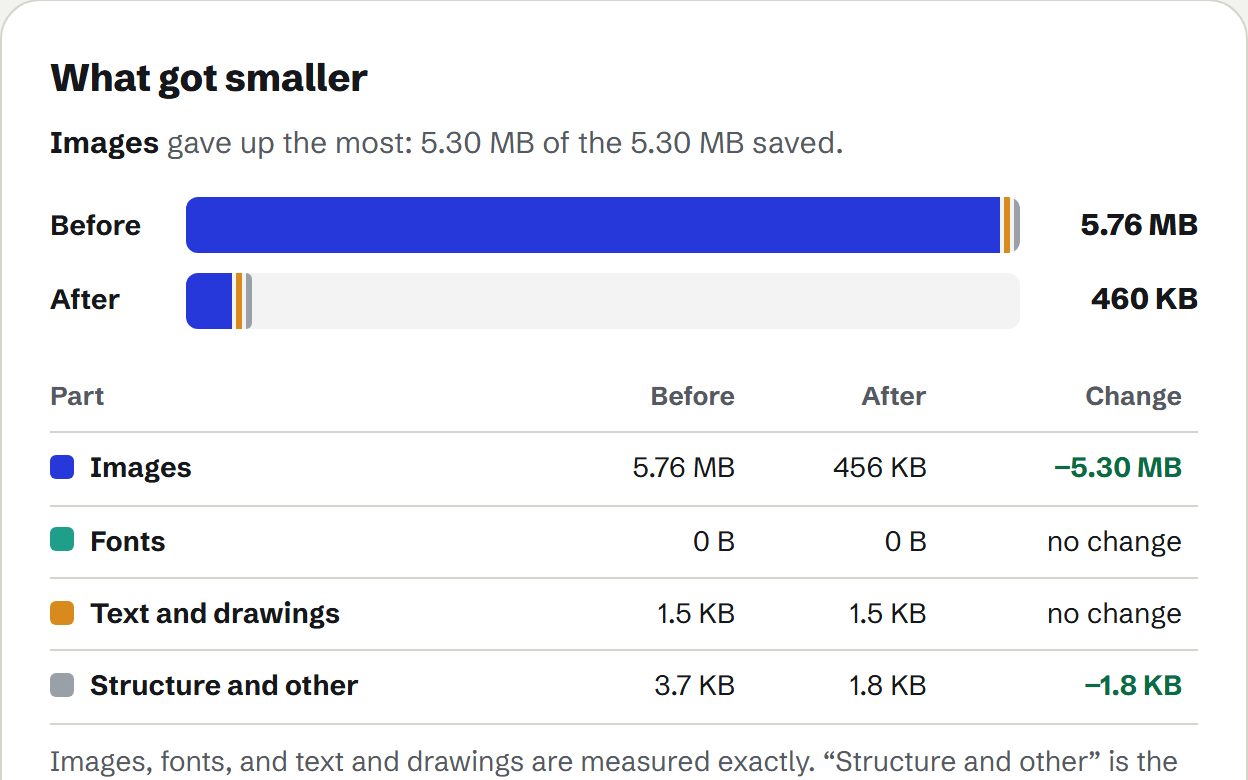
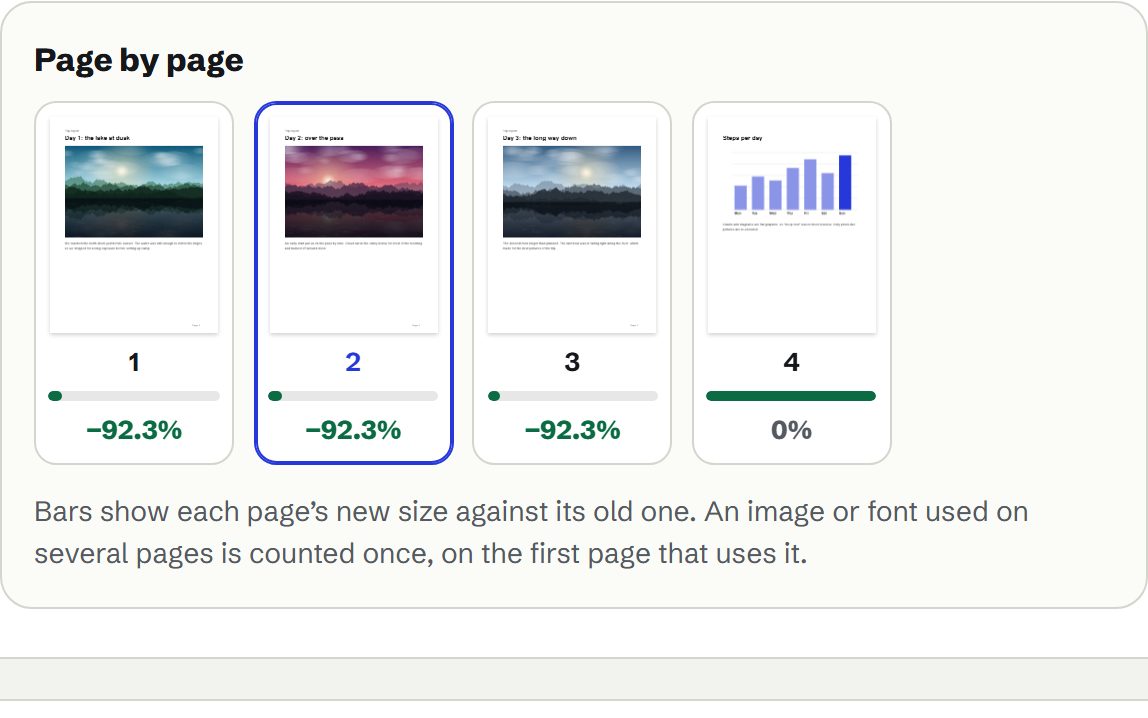
- See what got smaller. Images, fonts and text, for the whole file and page by page.
- Fit a size limit. Pick “Under 10 MB” and it finds the gentlest strength that fits.