InkCheck
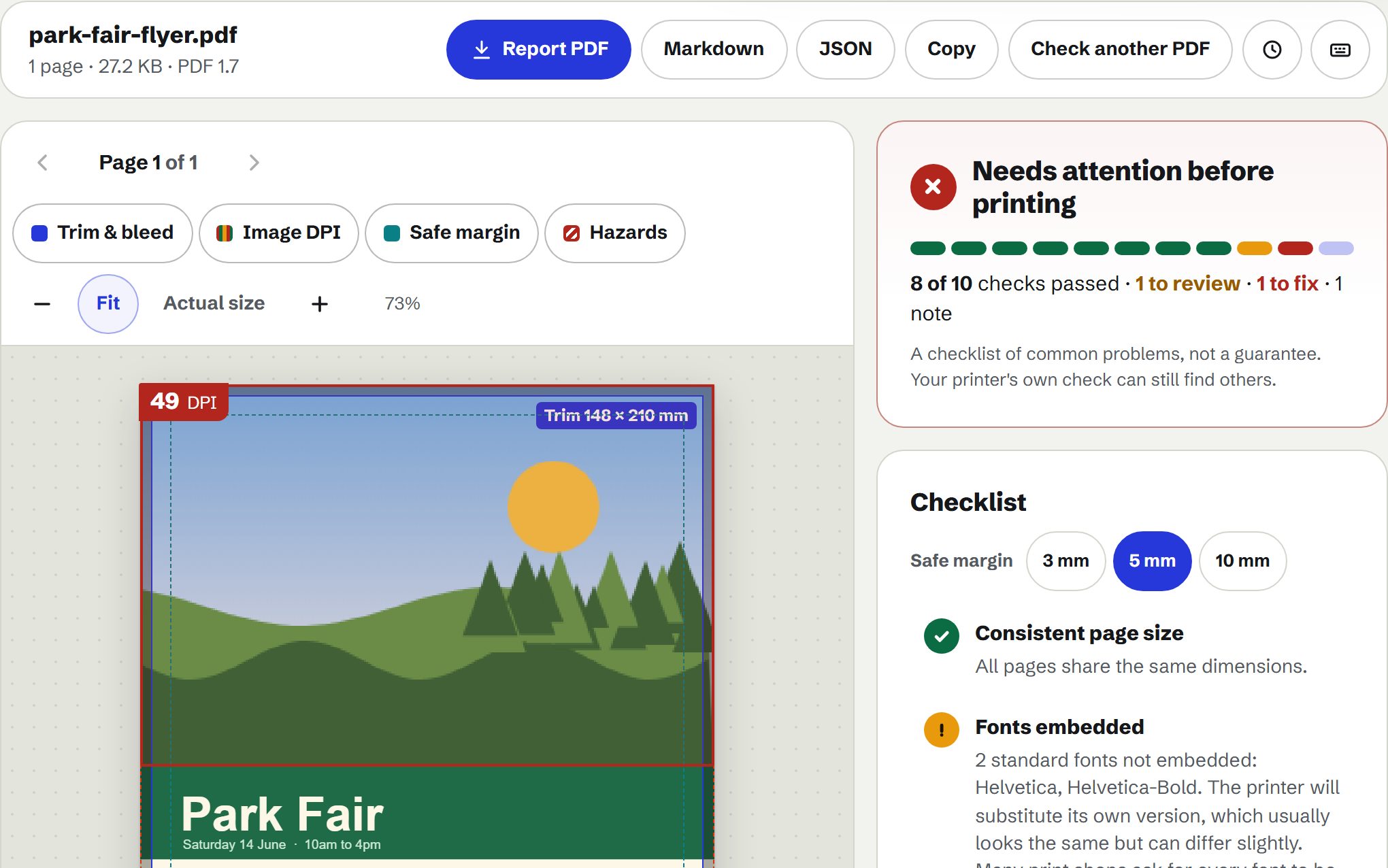
A quick print check for PDFs, marked on the page: trim and bleed, text too close to the edge, mixed page sizes, unembedded fonts and images too low-resolution to print well. It catches common problems, not everything a professional preflight would.
Runs in this tab. Nothing is uploaded. Needs a connection for your first check (its PDF reader loads from this site), then it keeps working if your connection drops.
Drop a PDF here, or choose oneIt's read in this tab. Nothing is uploaded.
PDF files only, one at a time. Every page is read in your browser, so very long PDFs take a while, and a PDF that needs a password to open can't be checked (one that only restricts printing or copying can). A quick check, not a full professional preflight: see the list of what isn't checked under the results.
Or try a sample
What it checks
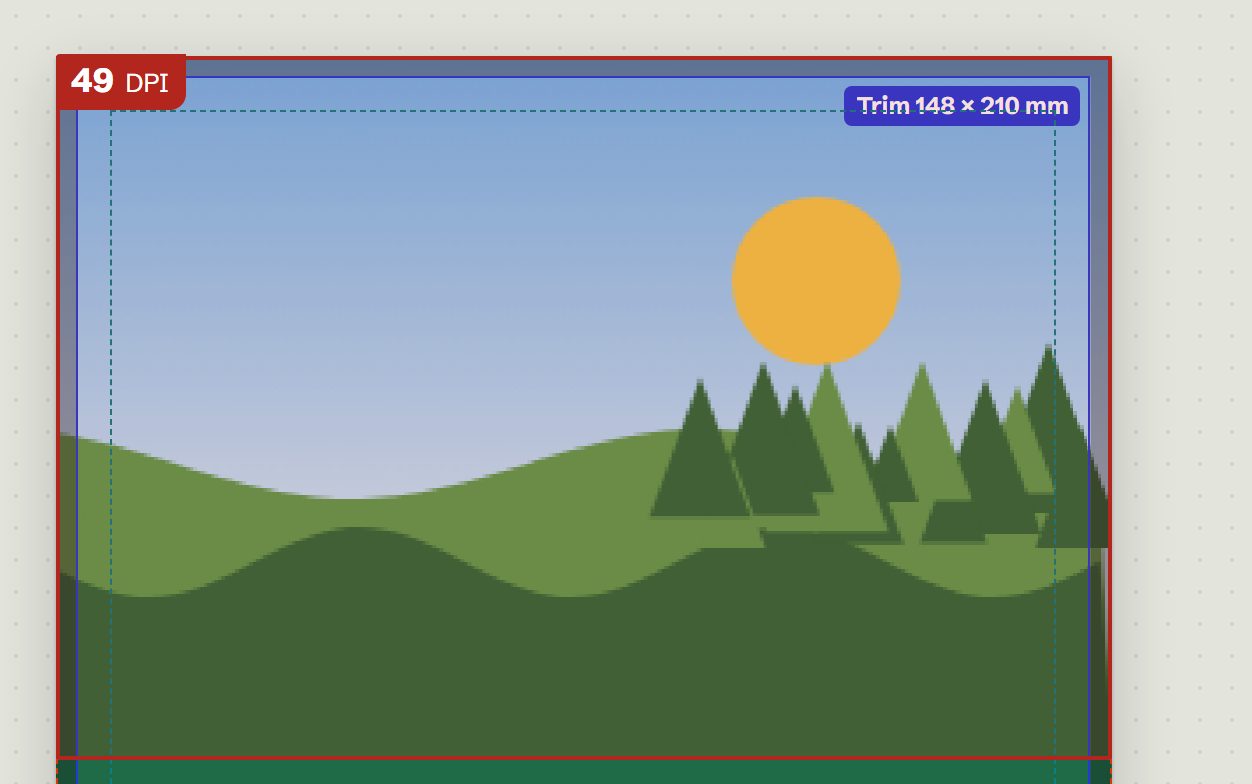
- Image resolution on the page. Every photo is outlined where it sits, with its effective DPI at printed size.
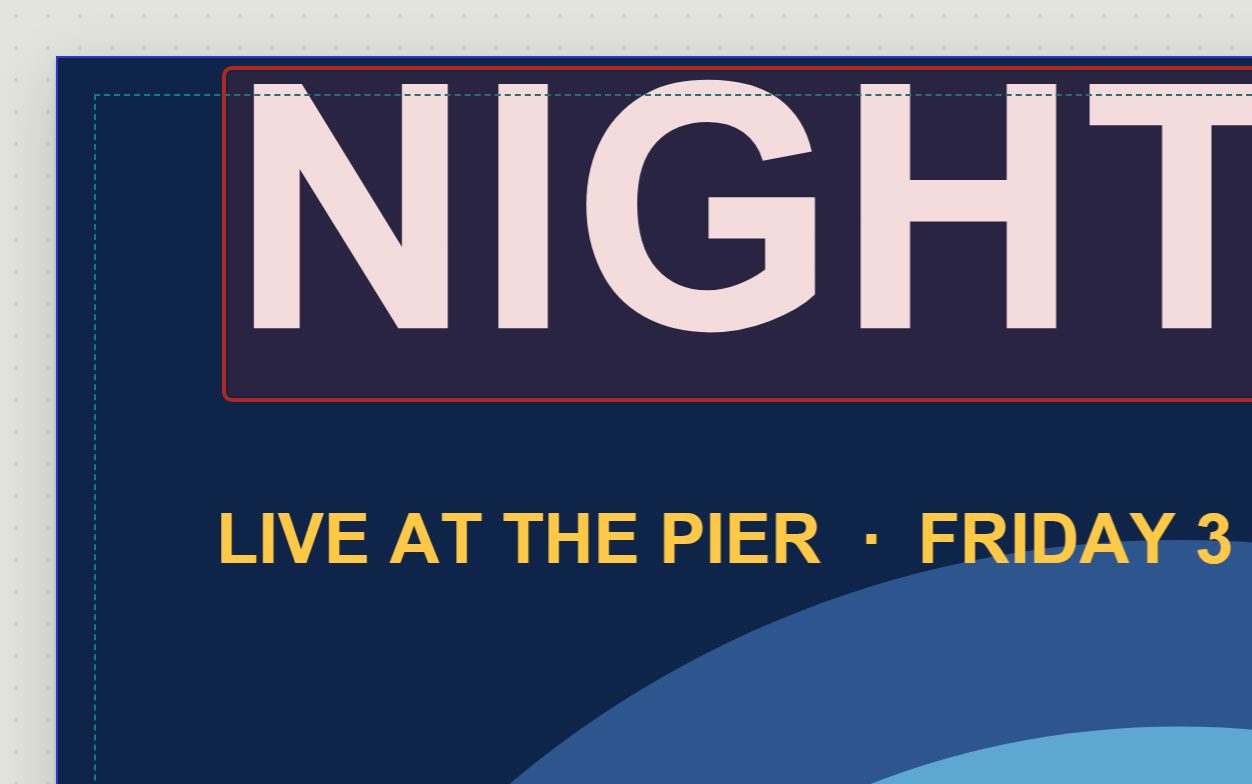
- Trim, bleed and safe margin. The page boxes are drawn on, and text too close to the edge is marked.
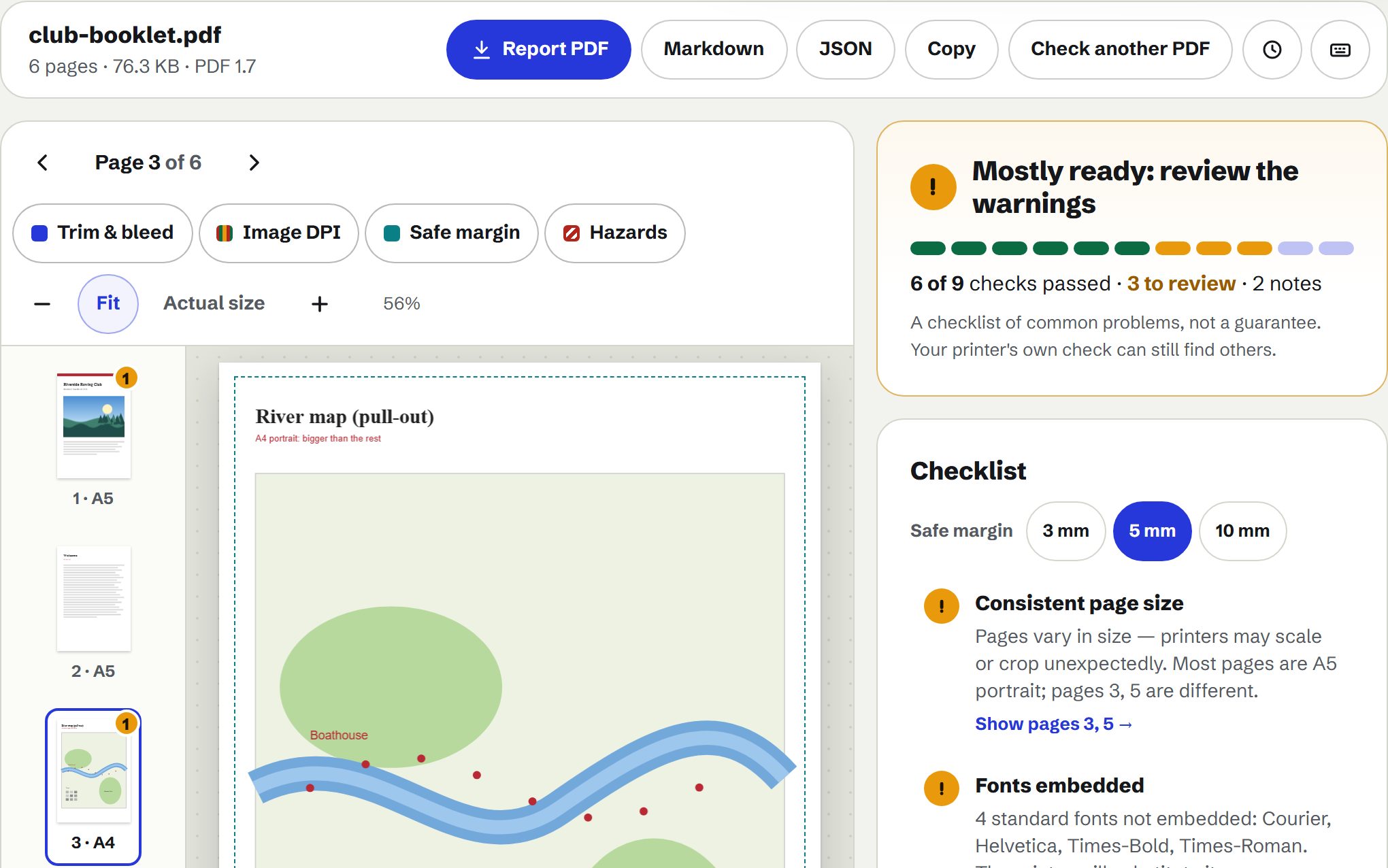
- Fonts. Which fonts are embedded, which are subsets, and where each is used.
- Colour and ink. RGB, CMYK, grey and spot inks page by page, heavy ink, rich and registration black.
- Print hazards. Hairlines, overprint, transparency, and notes or form fields that won’t print.
- Mixed page sizes. Pages that differ from the rest, in a strip you can scan at a glance.
- A report to send. A PDF with page pictures and every finding, or Markdown and JSON.