ImageSqueeze
Shrink photos for email or the web, aim for an exact file size, and convert between JPG, PNG and WebP, many at once. Compare before and after up close, then download one or all.
Runs in this tab. Nothing is uploaded. Keeps working if your connection drops.
Start with your photos
Choose photos or drop them hereJPG, PNG, WebP, HEIC and more. Many at once is fine.
Or try a sample
Samples are drawn in your browser, so the savings you see are real.
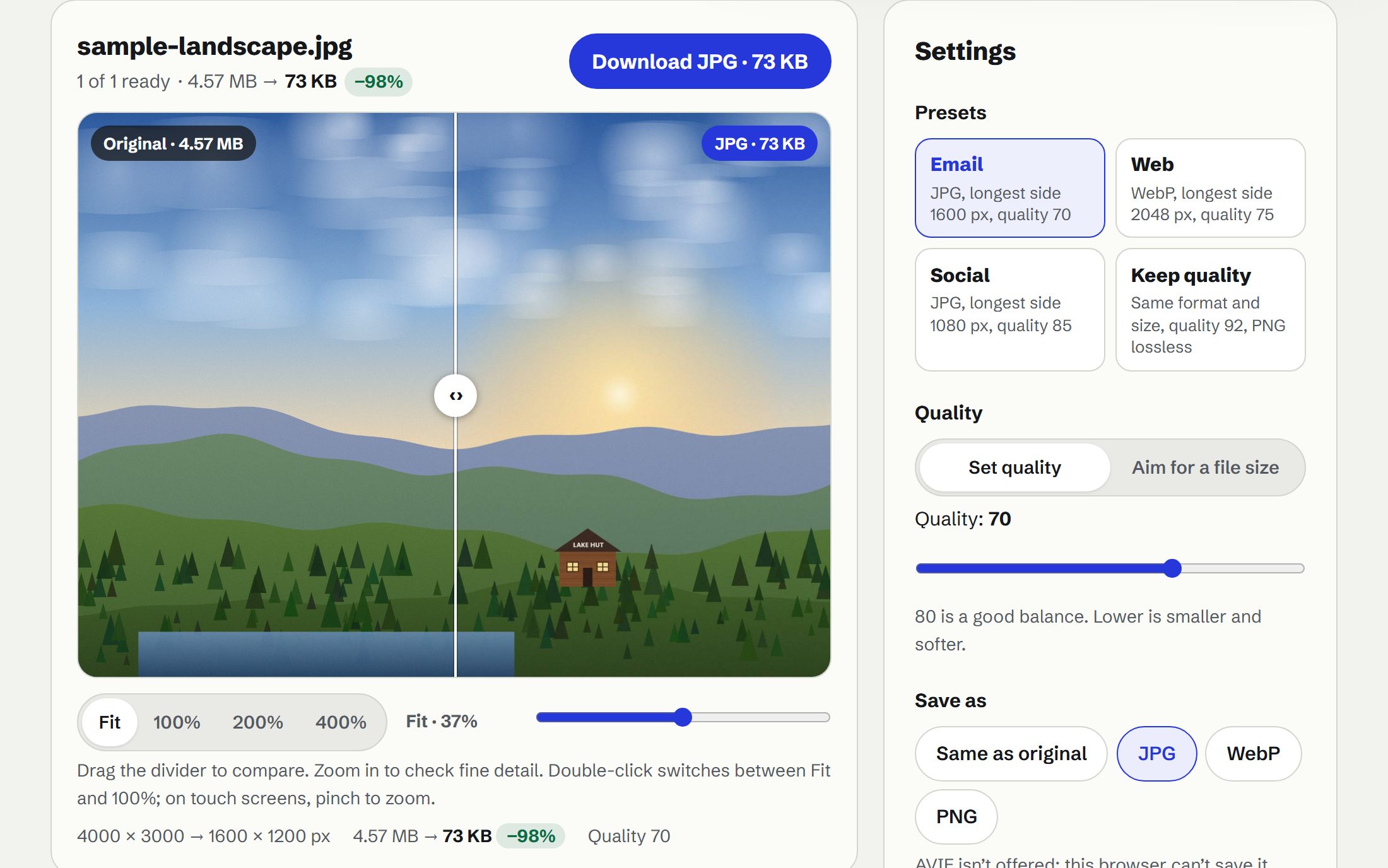
- Presets Email, Web, Social or Keep quality in one tap.
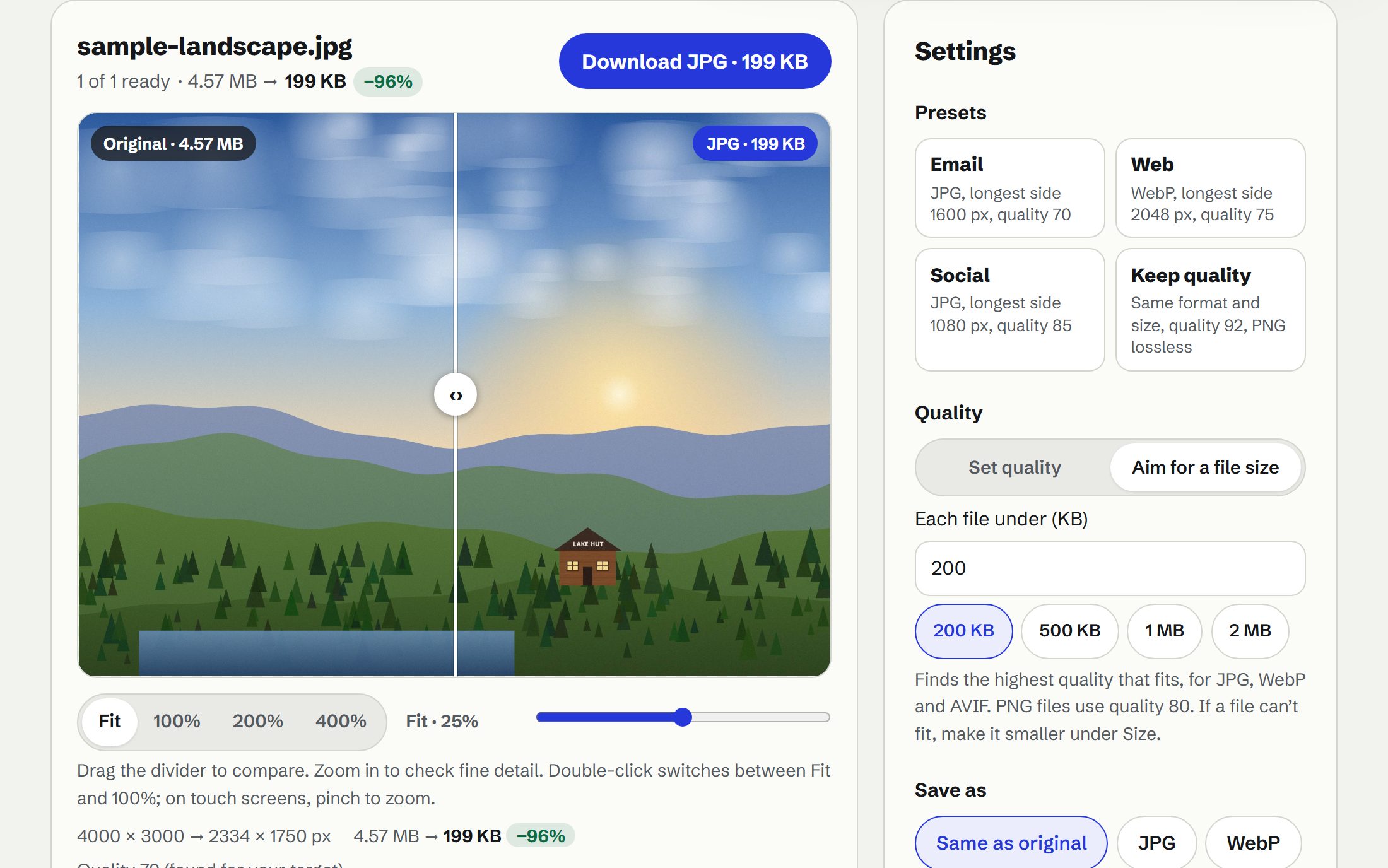
- Hit a file size Ask for “under 500 KB” and it finds the best quality that fits.
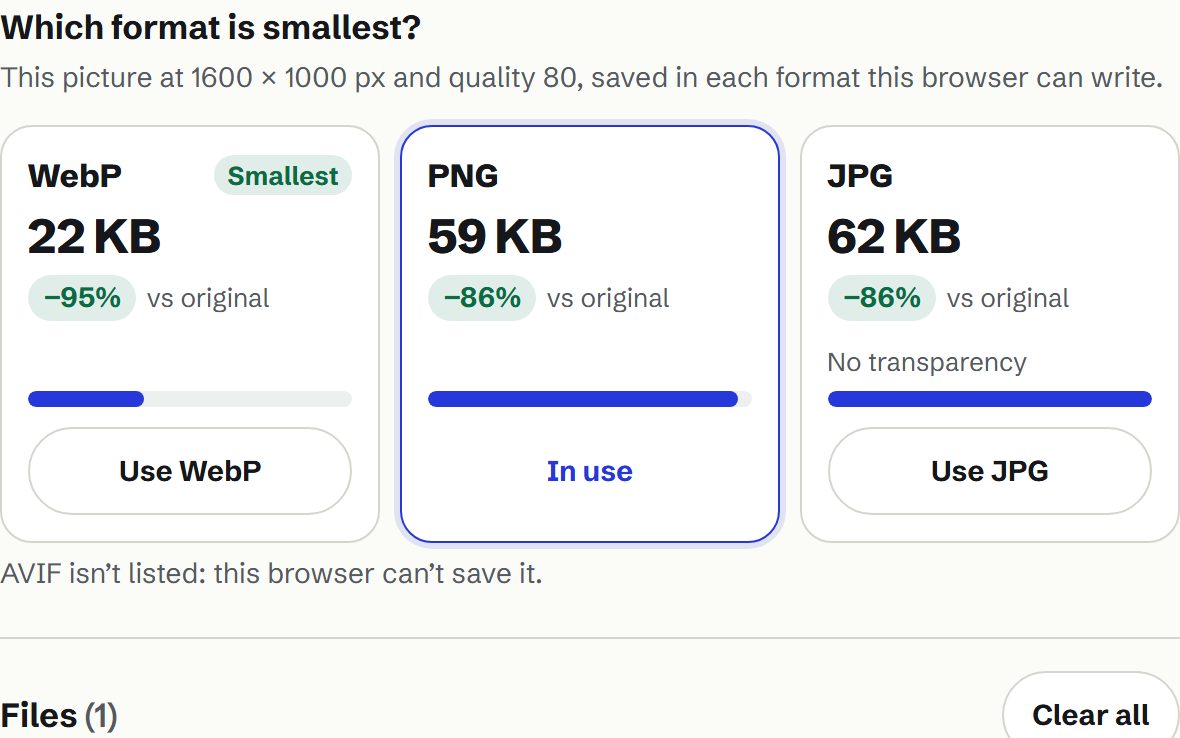
- Which format is smallest? JPG, WebP and AVIF sizes for your picture, side by side.
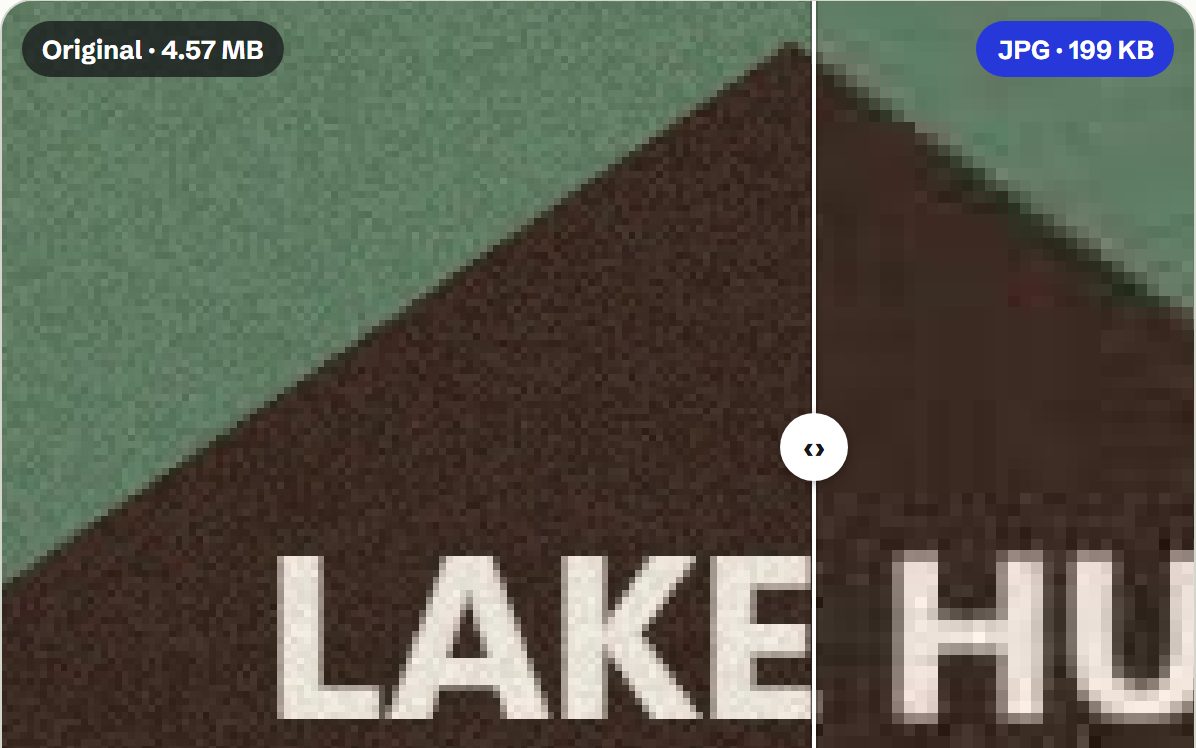
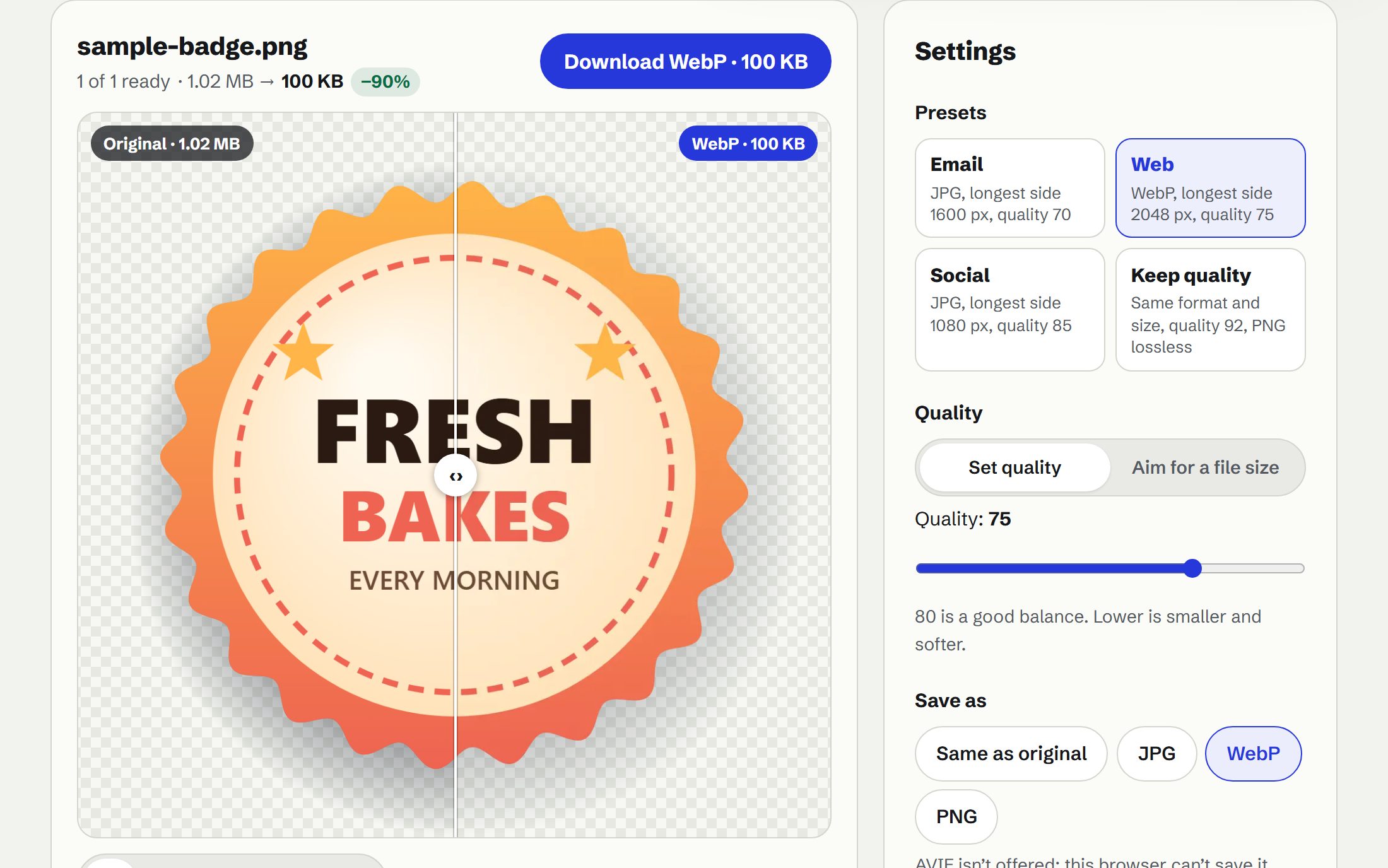
- Check every pixel A before and after divider you can zoom to 400%.
- iPhone photos HEIC to JPG, many at once, saved as one ZIP.
- Opens JPG, PNG, WebP, GIF (first frame only), BMP and AVIF, plus iPhone HEIC/HEIF photos.
- HEIC in this browser: checking…
- Up to 100 files at a time, each up to 200 MB. Photos are never enlarged.
- On iPhone and iPad, photos over about 16 megapixels are scaled down to fit Safari’s canvas limit.