CutOut
Cut the subject out of a photo and touch up the edges with a brush. Save it on a transparent, coloured or blurred background, with a shadow or sticker outline, or framed for a shop listing. The model runs on your device, so the photo never leaves it.
Runs in this tab. Nothing is uploaded. The cut-out model (about 19 MB) downloads once from this site, then it works offline.
Or try a sample
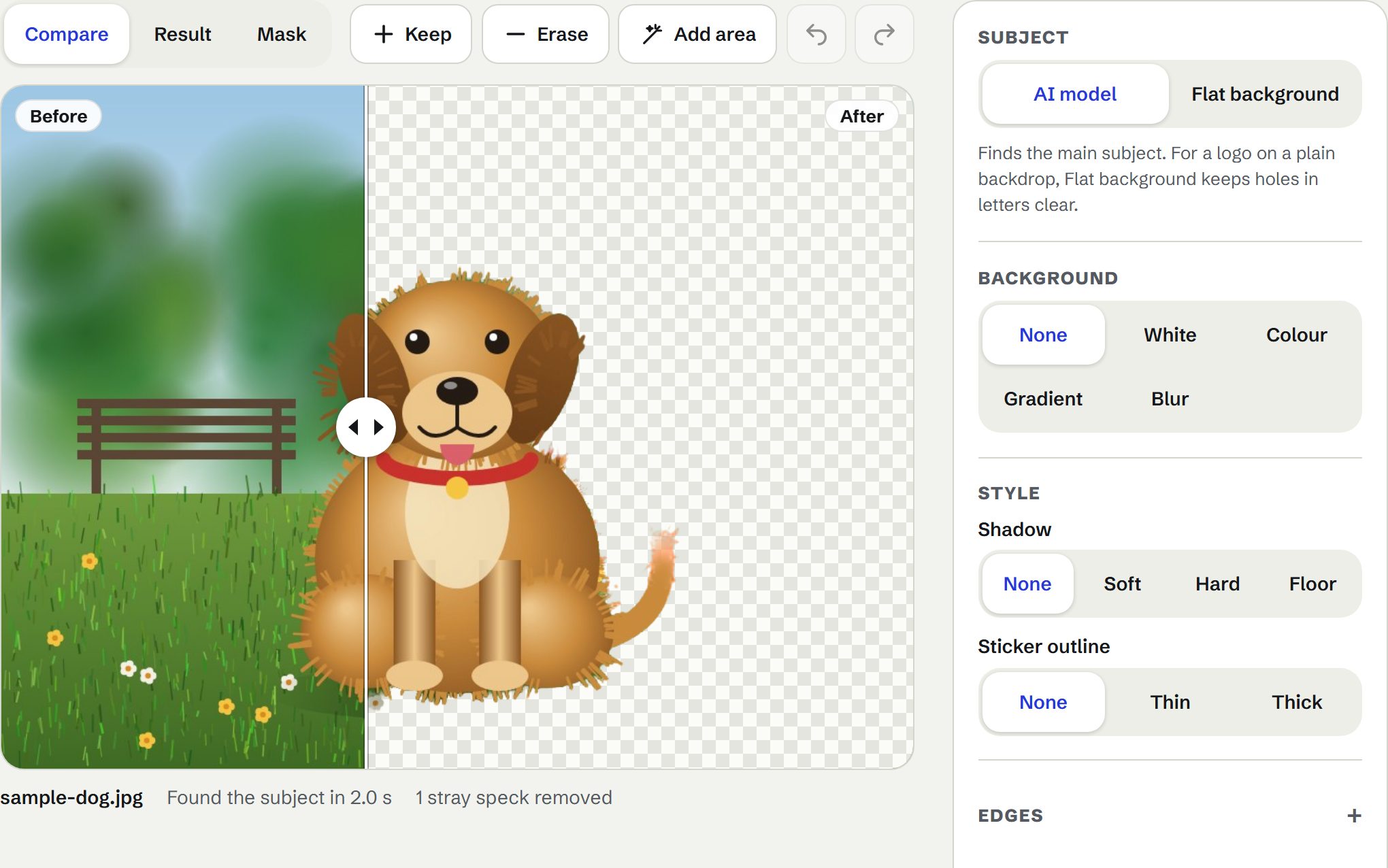
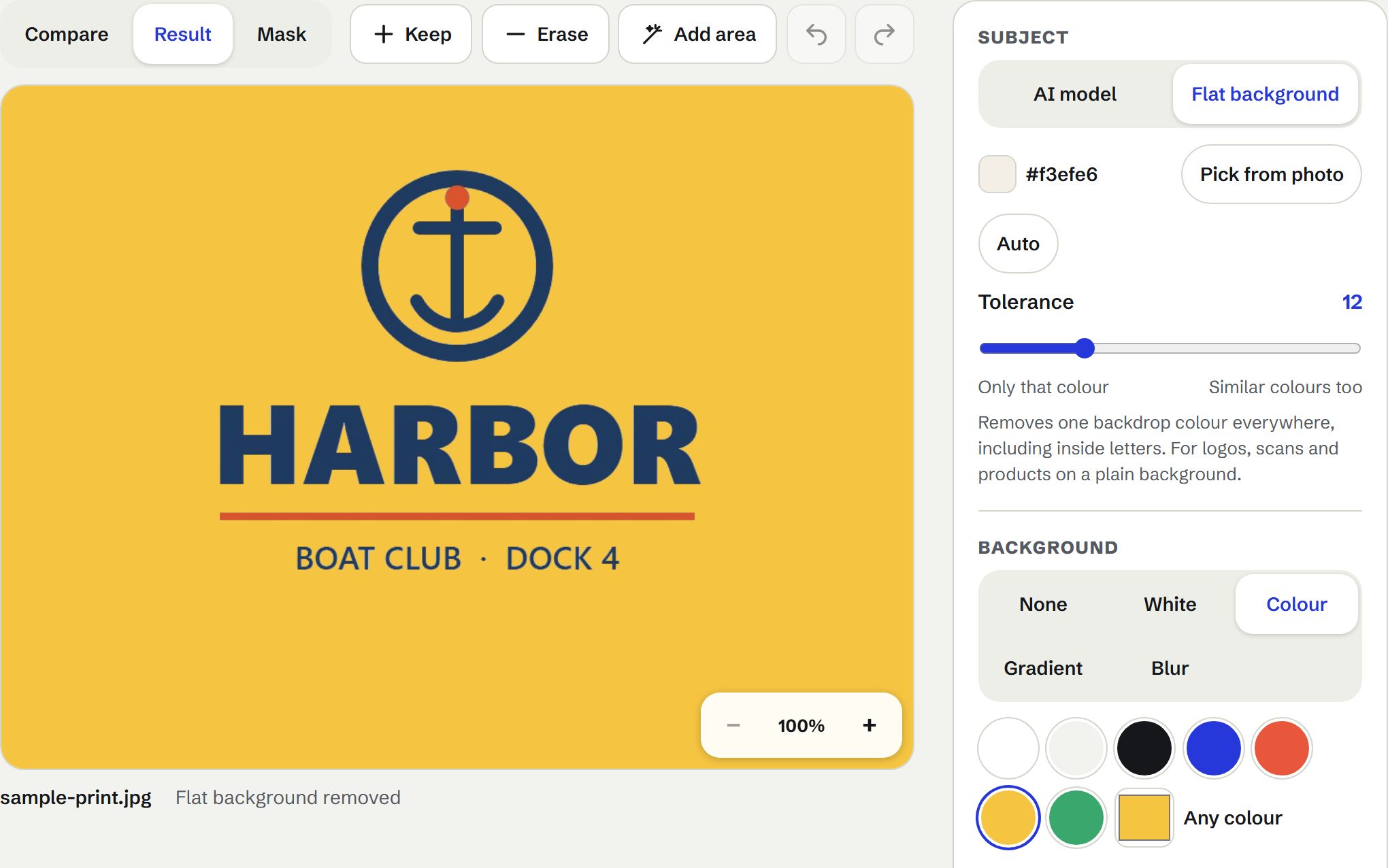
- Cut outThe subject of a photo, found by an AI model, or a logo lifted off a plain background.
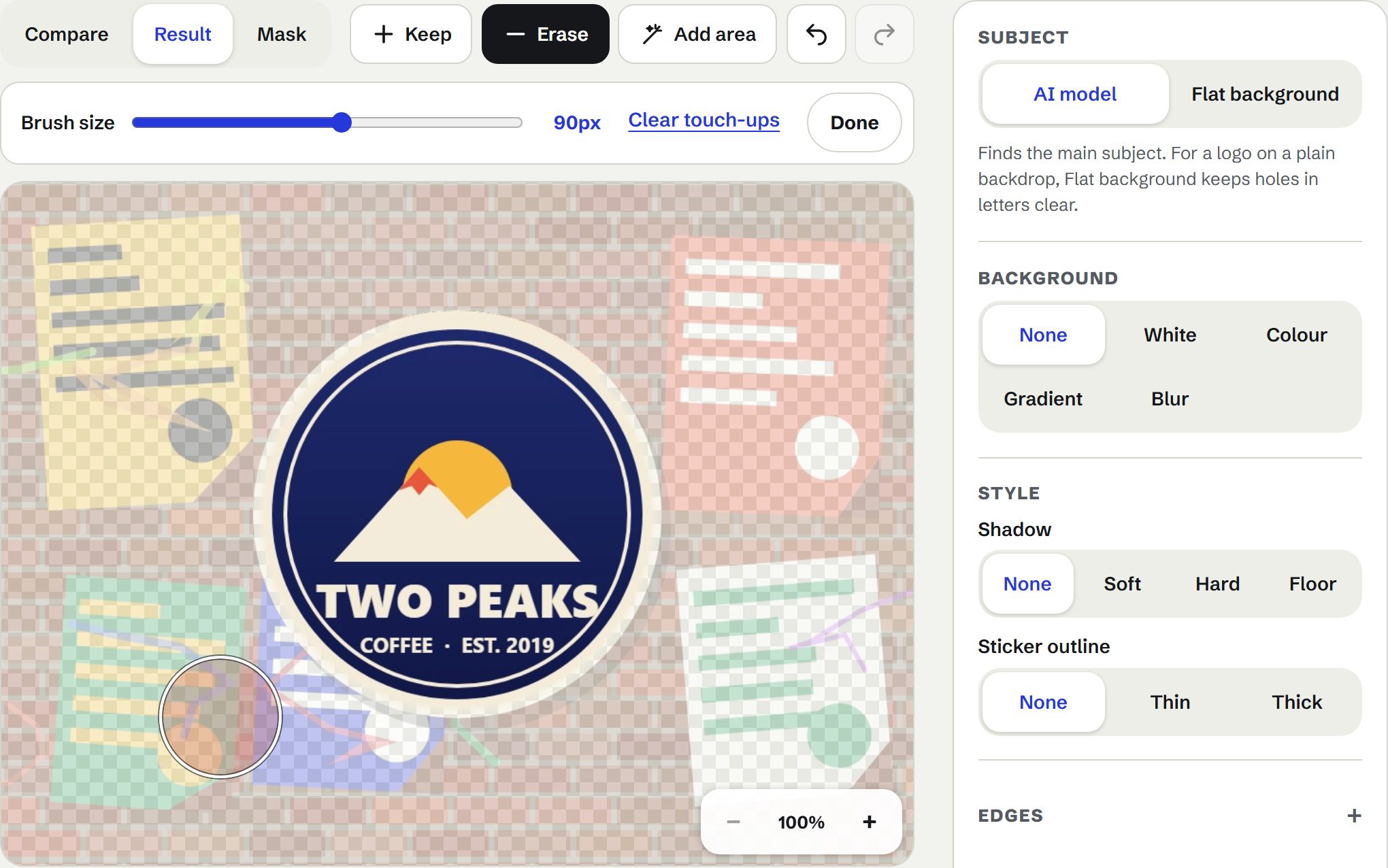
- Touch upKeep and erase brushes, tap to add a missed area, zoom in for detail, with undo.
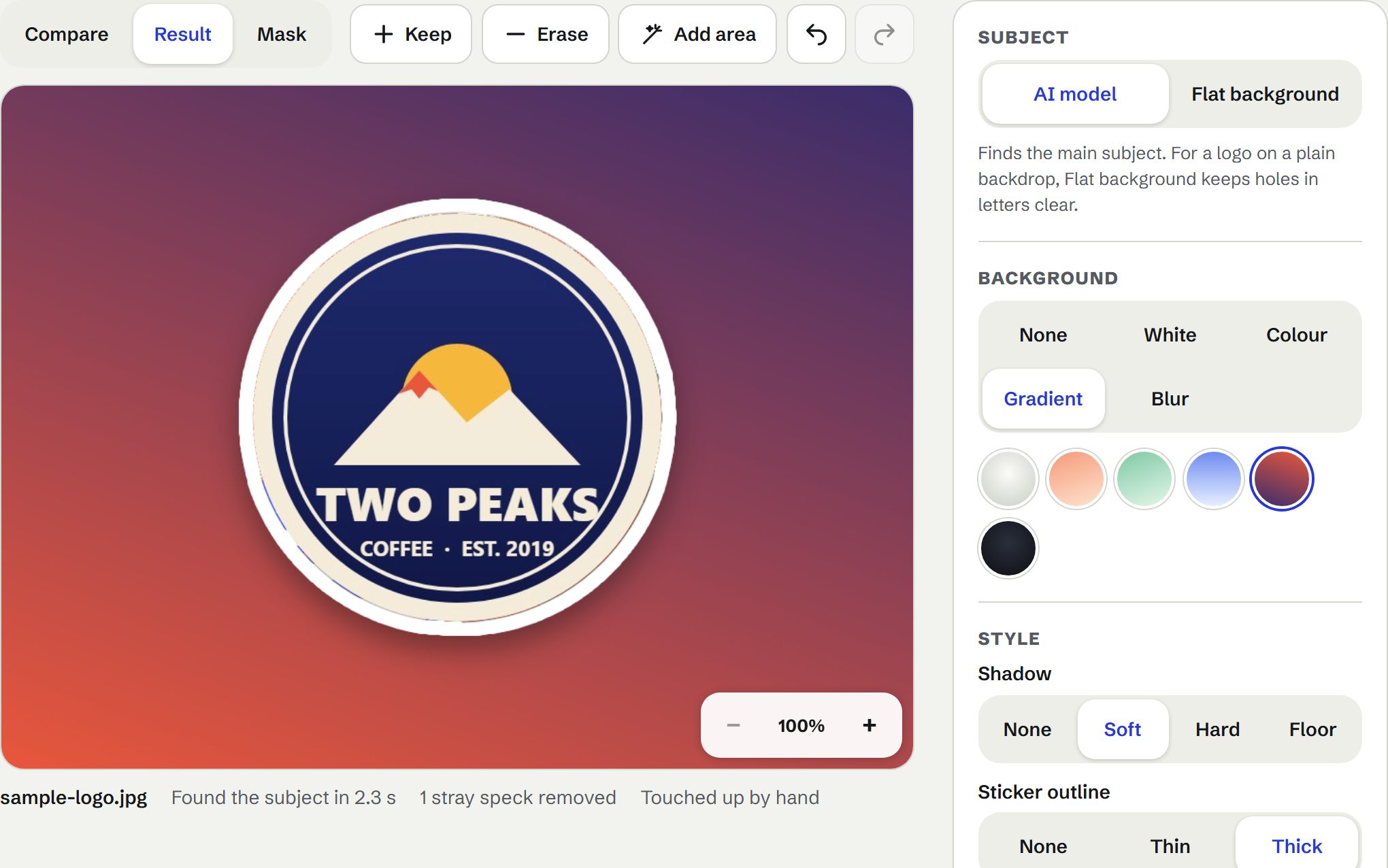
- Style itBackgrounds, gradients, a blurred original, shadows and sticker outlines.
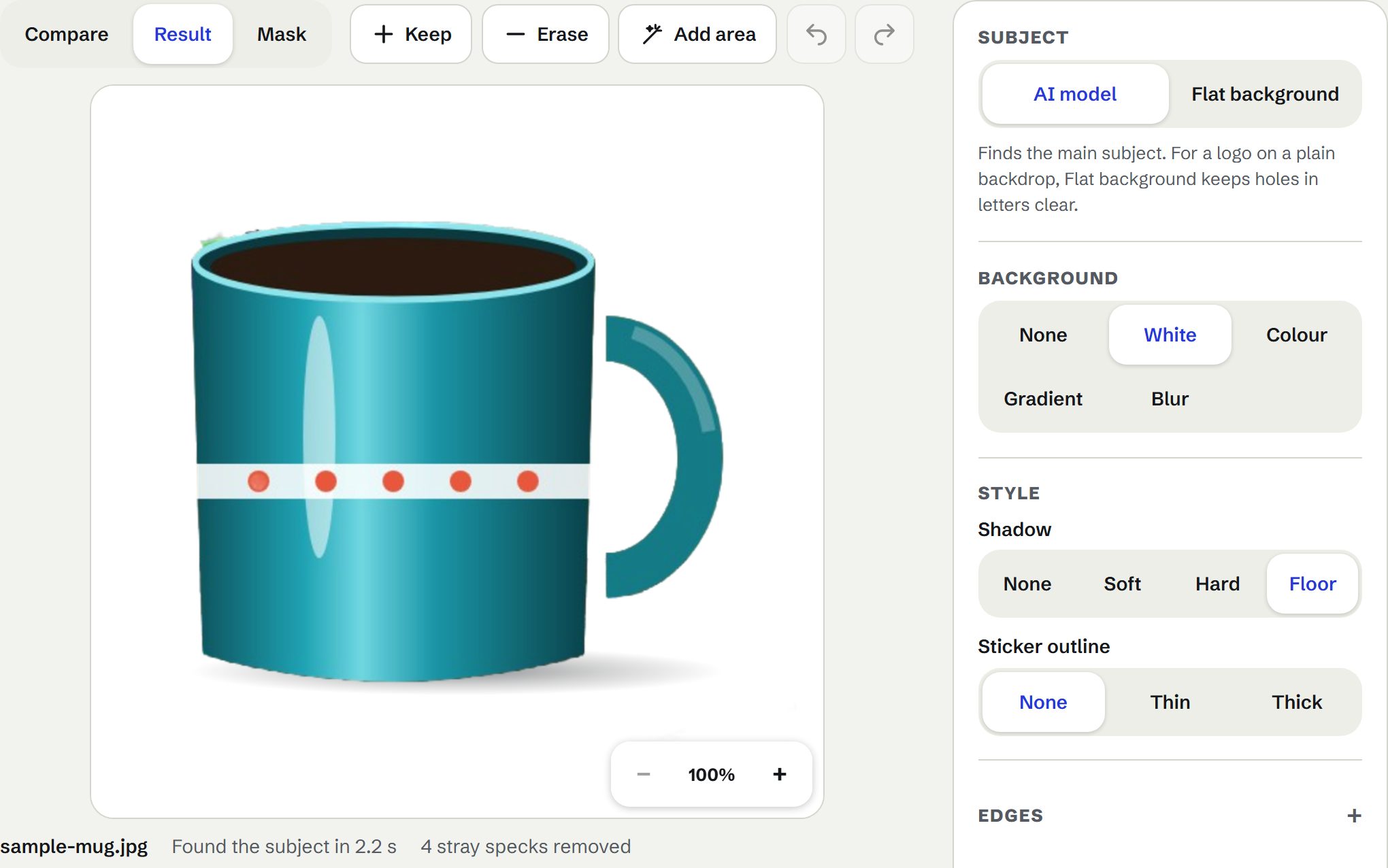
- Export for a shopSquare or 4:5 frames with padding, as PNG, WebP or JPG, one photo or a whole batch.
Limits and how it works
Works best on a clear subject: people, products, pets. Fine hair and fur, glass, and subjects close in colour to their background are harder: check the edges and touch them up. For a logo or anything on a plain backdrop, switch Subject to Flat background.
The first cut-out downloads the model and its engine once (about 17.9 MB: 4.4 MB model, 13.6 MB engine). They're kept on this device and checked before each use, so later visits don't download them again. The model looks at a 320 × 320 copy of the photo; the edges are then refined against the photo at up to 1,280 px. Downloads are made at up to 4,096 px on the long side, or at the shop frame size you pick.
After your first cut-out, CutOut also opens and works offline: the browser keeps a copy of this page's own files (never your photos) for it.