DeltaSheet
Drop the old and new versions of a CSV or Excel file to see rows added, removed and changed, down to the cell. Rows are paired on their ID, rounding noise can be ignored, and the diff saves as an Excel file.
Runs in this tab. Nothing is uploaded. Keeps working if your connection drops.
Compare two versions
Old versionChoose or drop the old fileCSV, TSV or Excel
New versionChoose or drop the new fileCSV, TSV or Excel
Or try a sample
Samples are made up and generated in your browser. No real people or shops.
- The first row of each file or sheet should hold the column names.
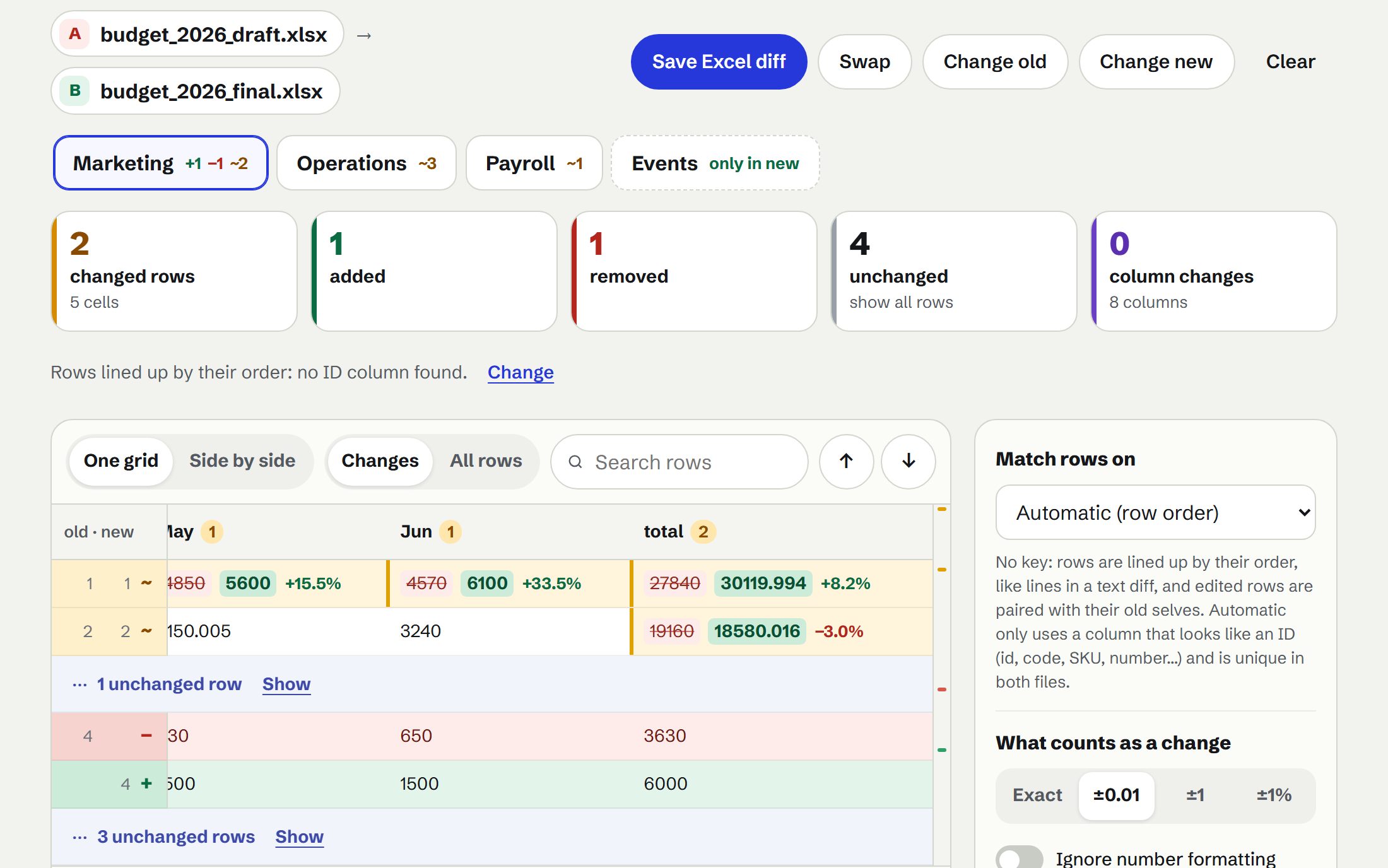
- Excel files: every sheet is read and paired by name (or by matching columns, and you can pair them yourself). Cells compare by their stored values; formulas by their saved results, or by their text if you choose.
- CSV files are read as UTF-8, falling back to Windows-1252; you can pick another encoding.
- It all happens in this tab’s memory, off the main thread. Files with hundreds of thousands of rows take a few seconds, and longer on phones.
What it finds
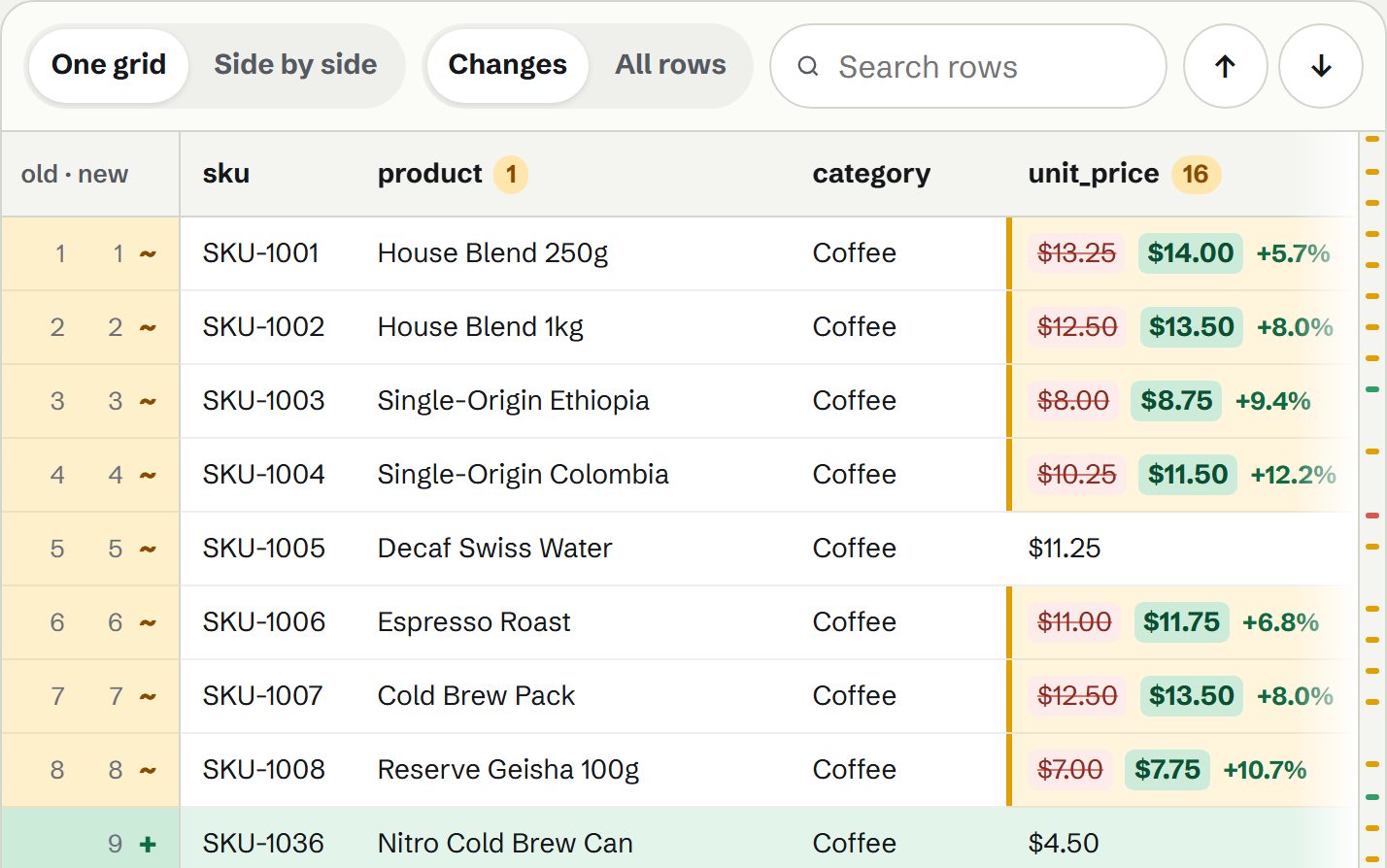
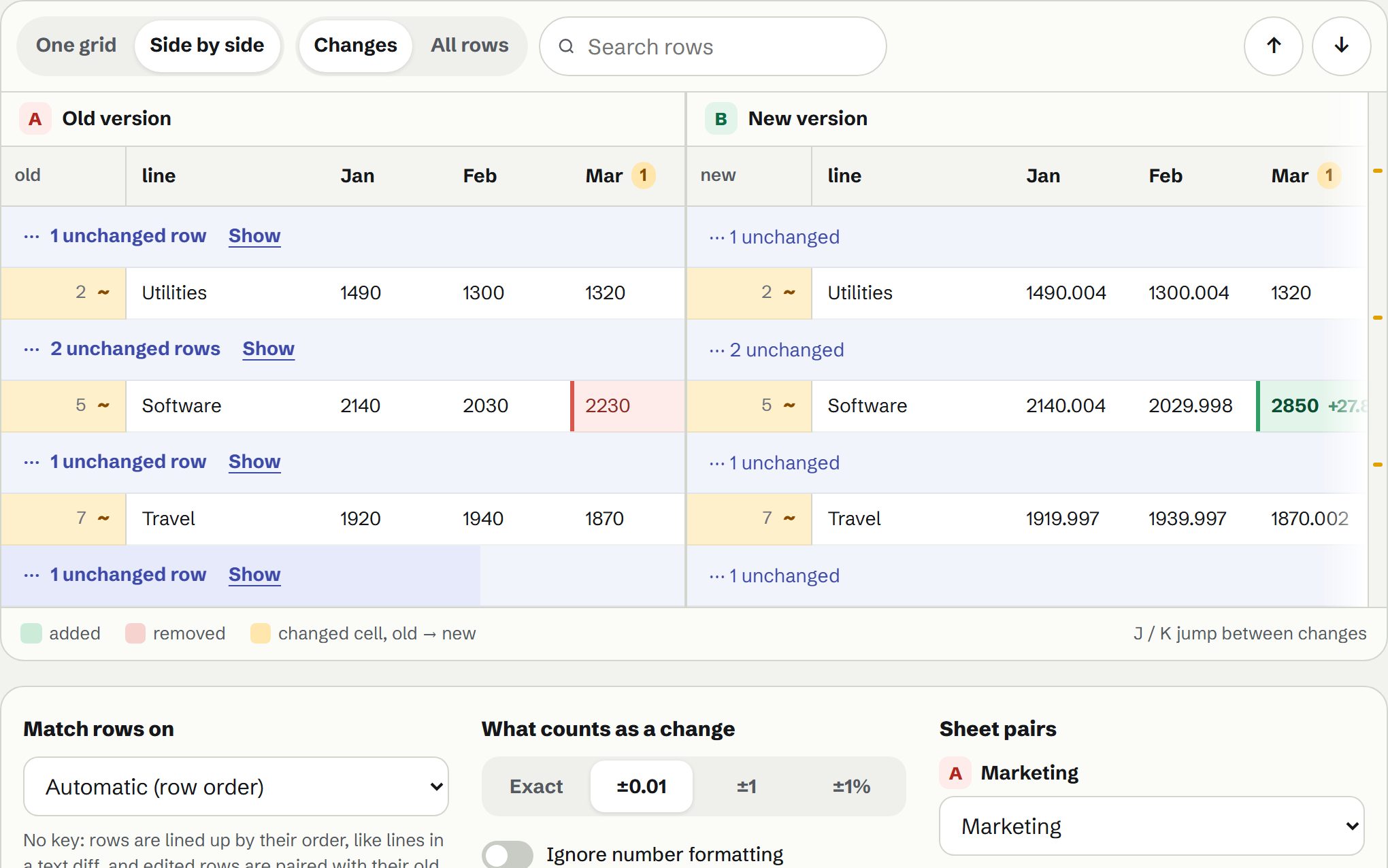
- A diff grid, like git for tablesAdded rows in green, removed in red, and each changed cell showing old and new side by side.
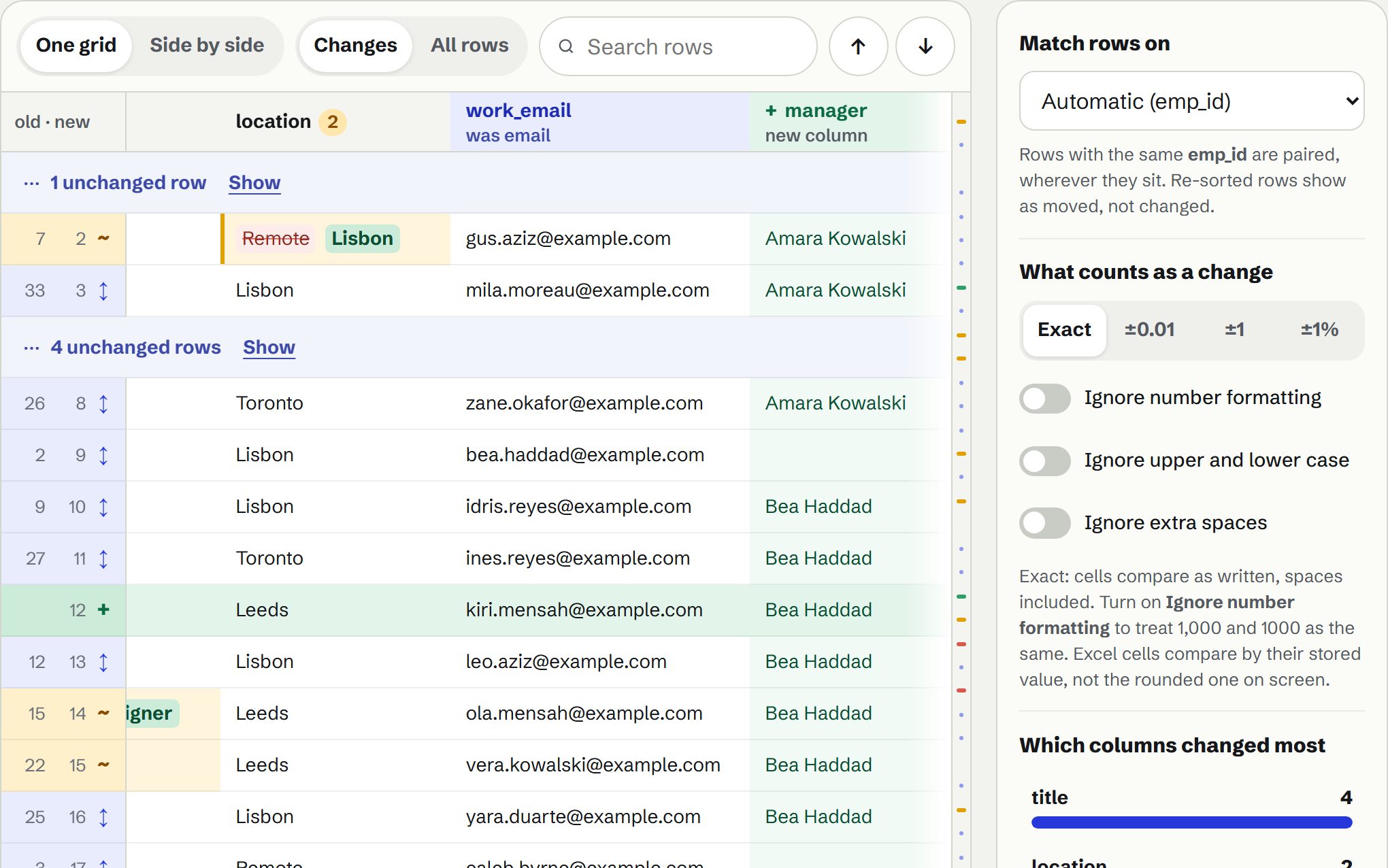
- Matched on the right columnIt pairs rows on an ID column, or several columns together, or follows row order when there isn’t one. Re-sorted rows aren’t changes.
- Columns tooAdded, removed and renamed columns are spotted, even when a header was renamed.
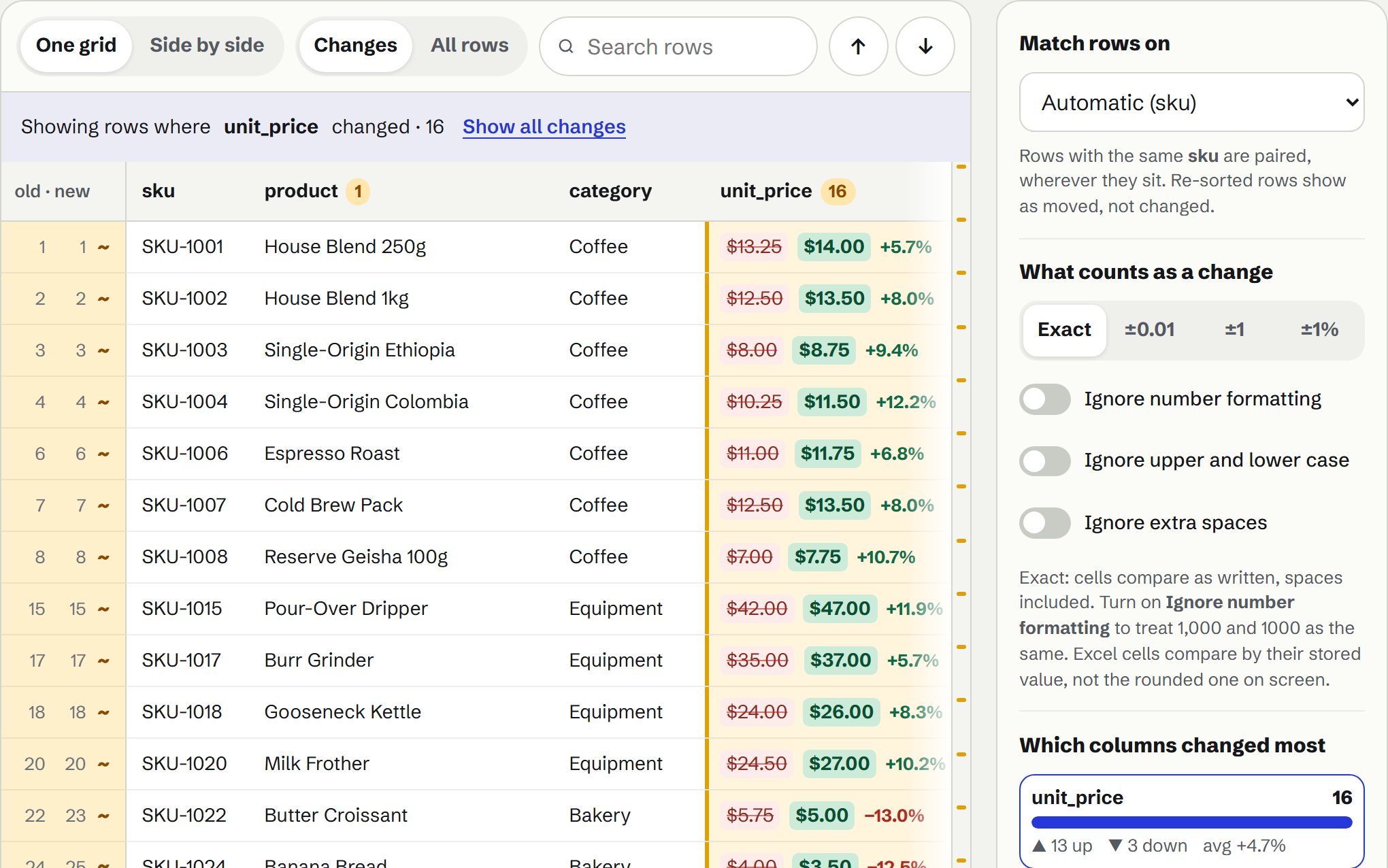
- Number changes in contextEach changed number shows its difference and percent change, and a chart shows which columns changed most.
- Exact, or ignore the noiseExact by default, so 007 vs 7 is a change. Rounding tolerance and options to ignore number formatting, case and extra spaces.
- Every sheet in a workbookExcel sheets are paired by name or by their columns, and you can pair them yourself.
- Take it with youA highlighted Excel file, or the change log as CSV, JSON or Markdown.