RampForge
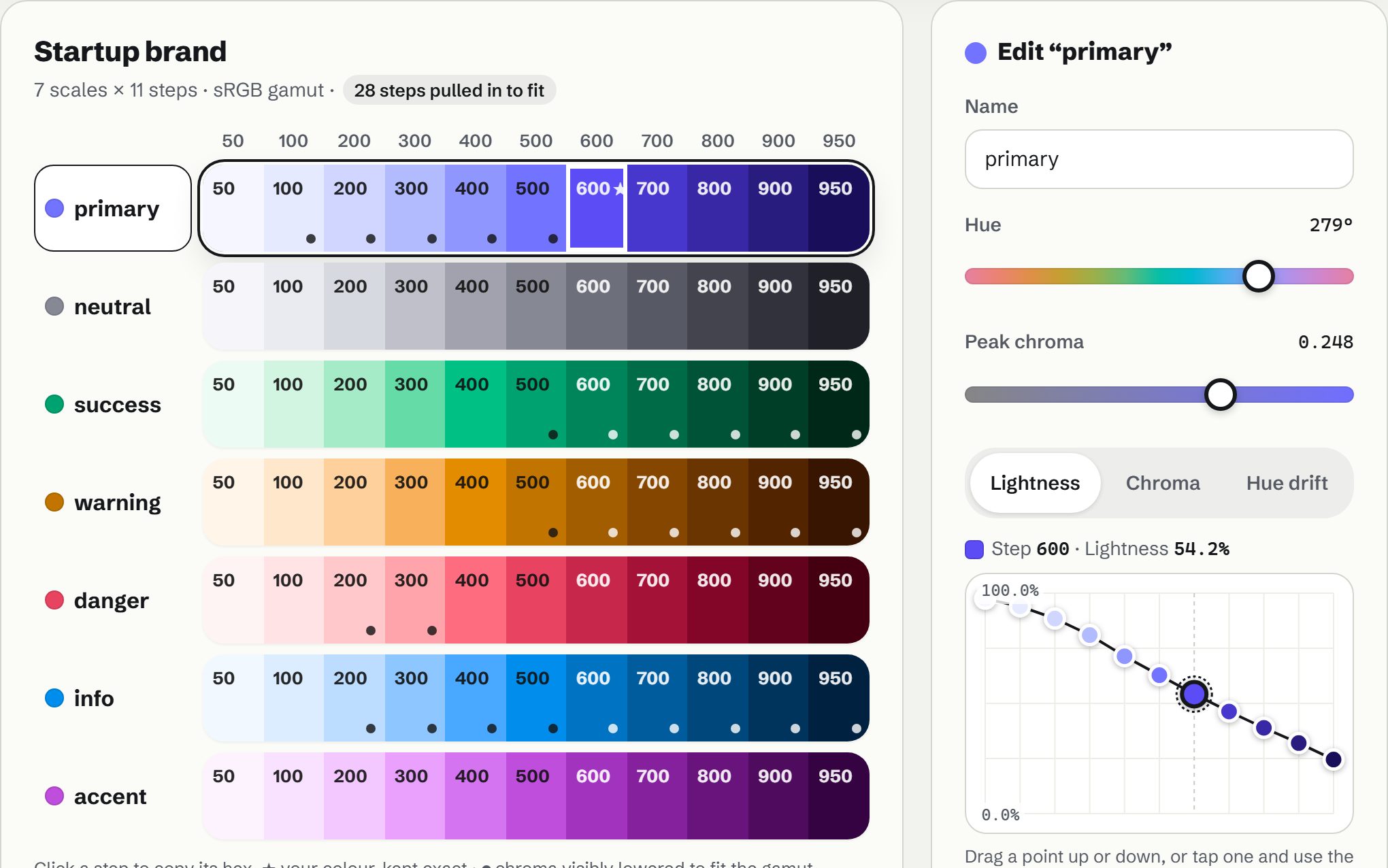
Start from any colour and get a whole palette of smooth, evenly spaced scales, with your colour kept exact and a live preview in light and dark. Copy it as CSS, Tailwind, SCSS or design tokens.
Runs in this tab. Nothing is uploaded. Keeps working if your connection drops.
Or open a starting palette
Import a palette fileDesign tokens JSON, CSS or SCSS variables, a Tailwind config, or a text list of colours. Up to 1 MB.
Or paste colours
- A whole systemPrimary, tinted neutrals, four status colours and an accent, all built around one brand colour.
- Curves you dragShape lightness, chroma and hue drift step by step. Your brand colour stays exact.
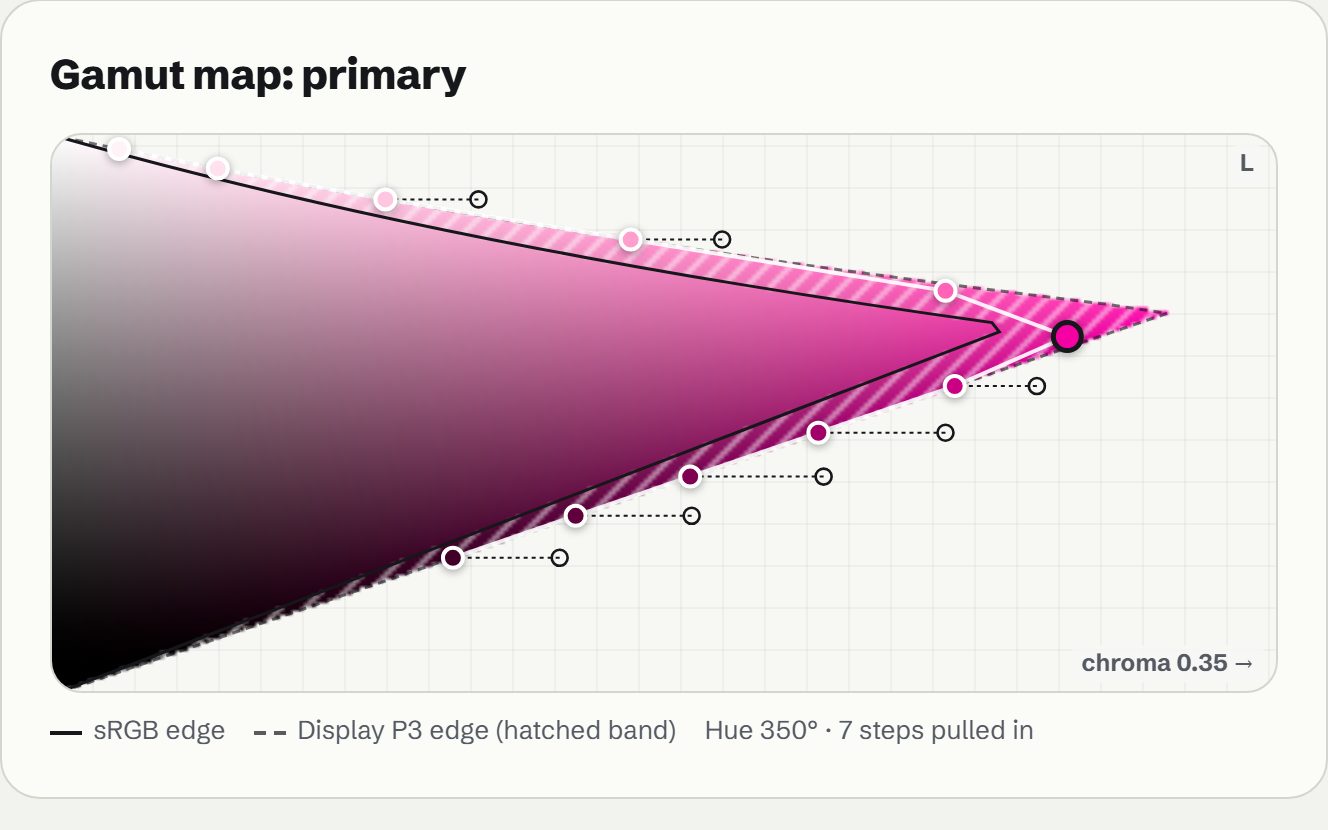
- Honest gamutSee where sRGB and Display P3 run out, and which steps had chroma lowered to fit.
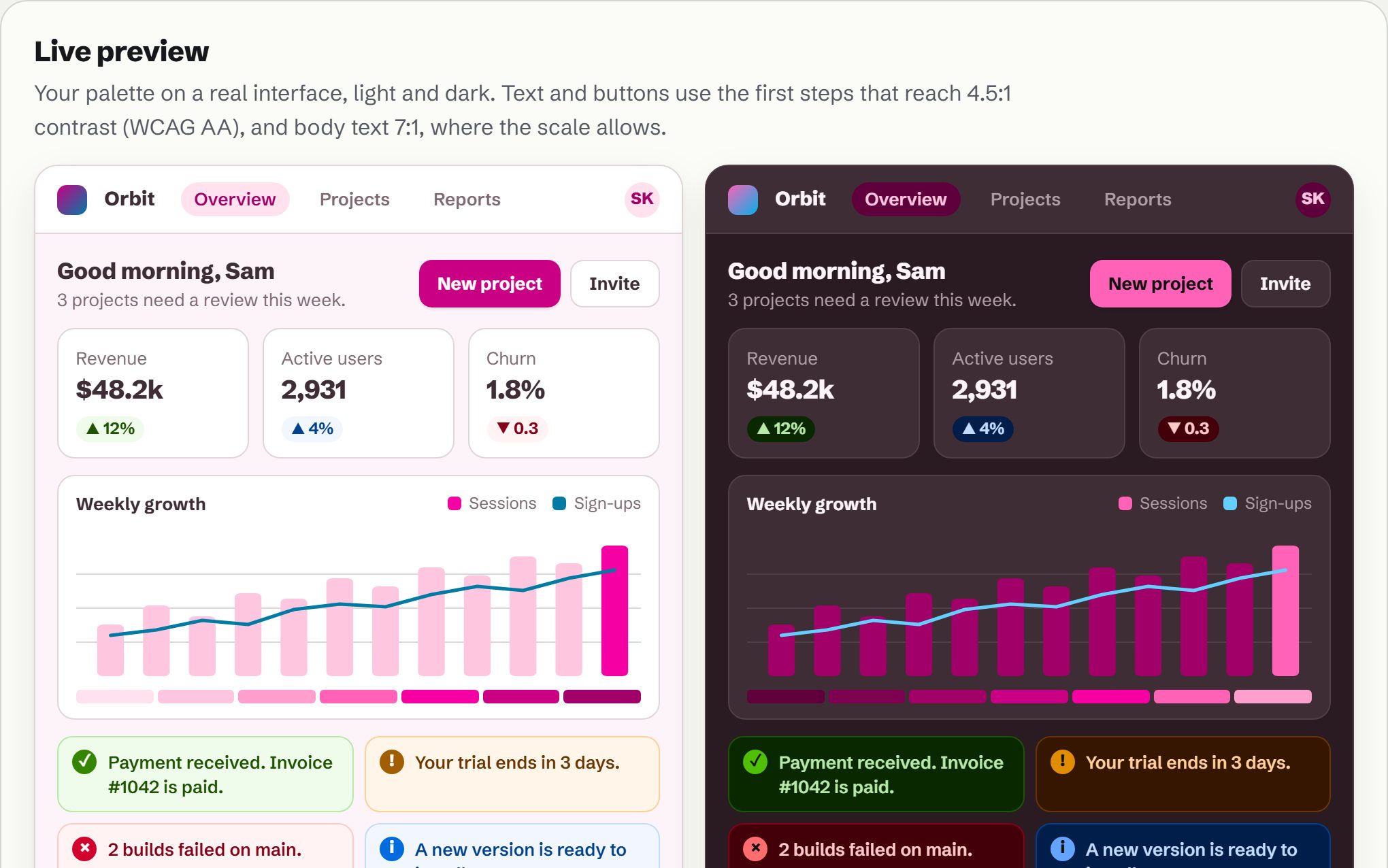
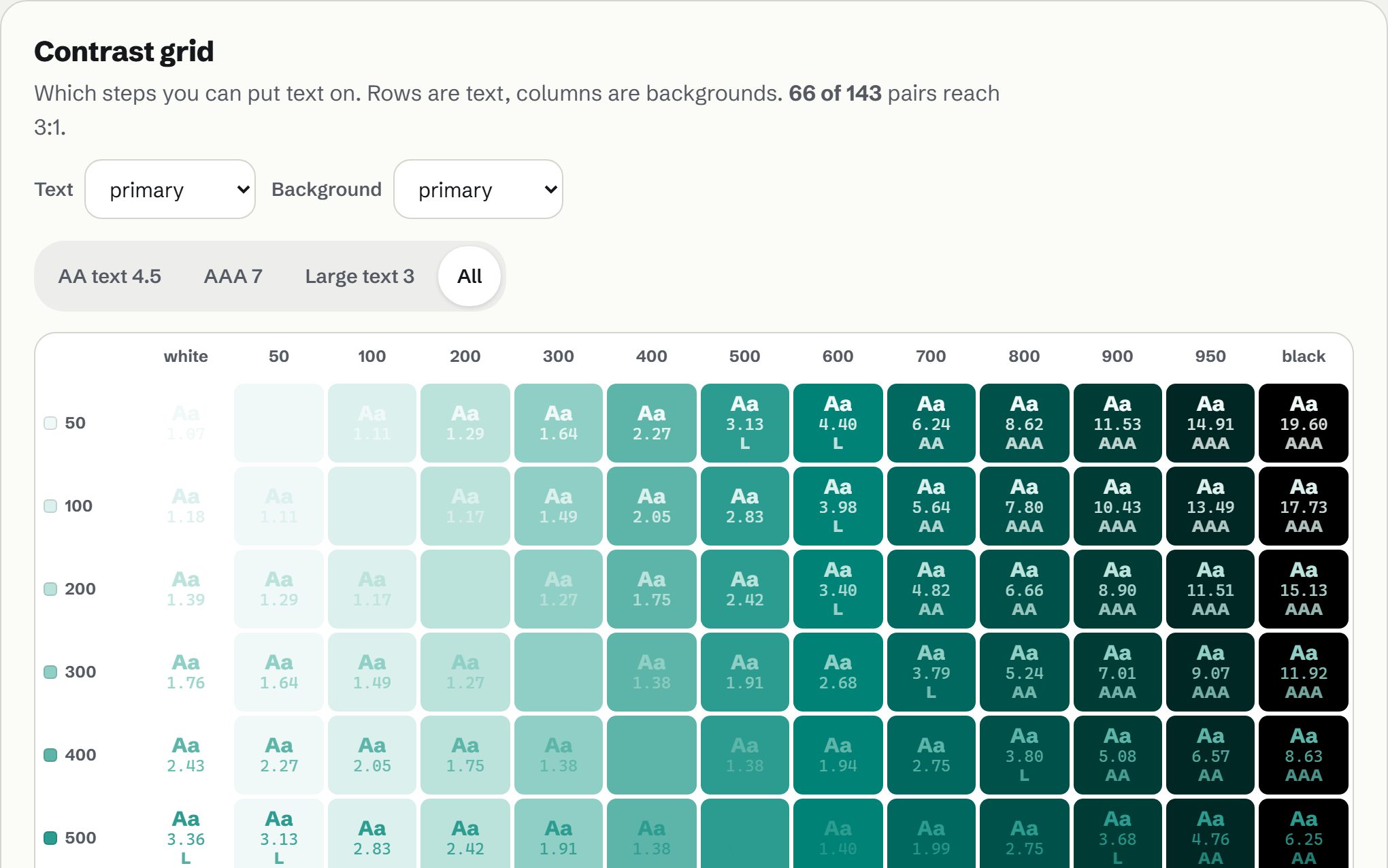
- Contrast and previewA contrast grid for every step pair and a live light and dark UI painted with your palette.
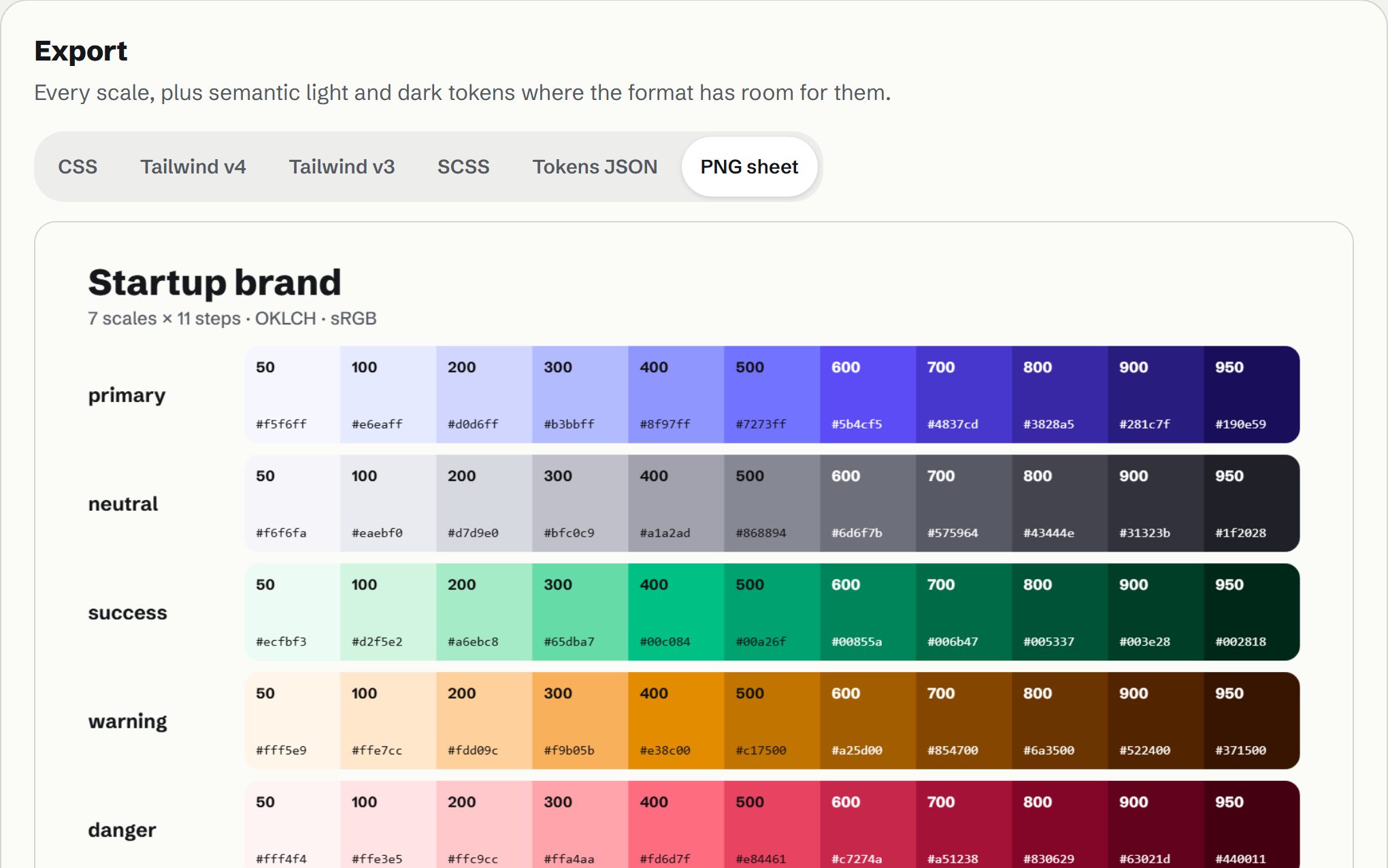
- Every formatCSS variables with dark mode, Tailwind v4 and v3, SCSS, W3C design tokens for Figma, and a PNG sheet.
Scales are made in OKLCH, so equal steps look equally far apart. Colours that don’t fit the screen gamut keep their lightness and hue and lose chroma. Contrast is WCAG 2. Your colours and files stay in this tab.